Operation
Adaptive user interface
Sherpa adapts to the current step and user role, surfacing only the functions you need next.
Less complexity, shorter onboarding, confident operation.
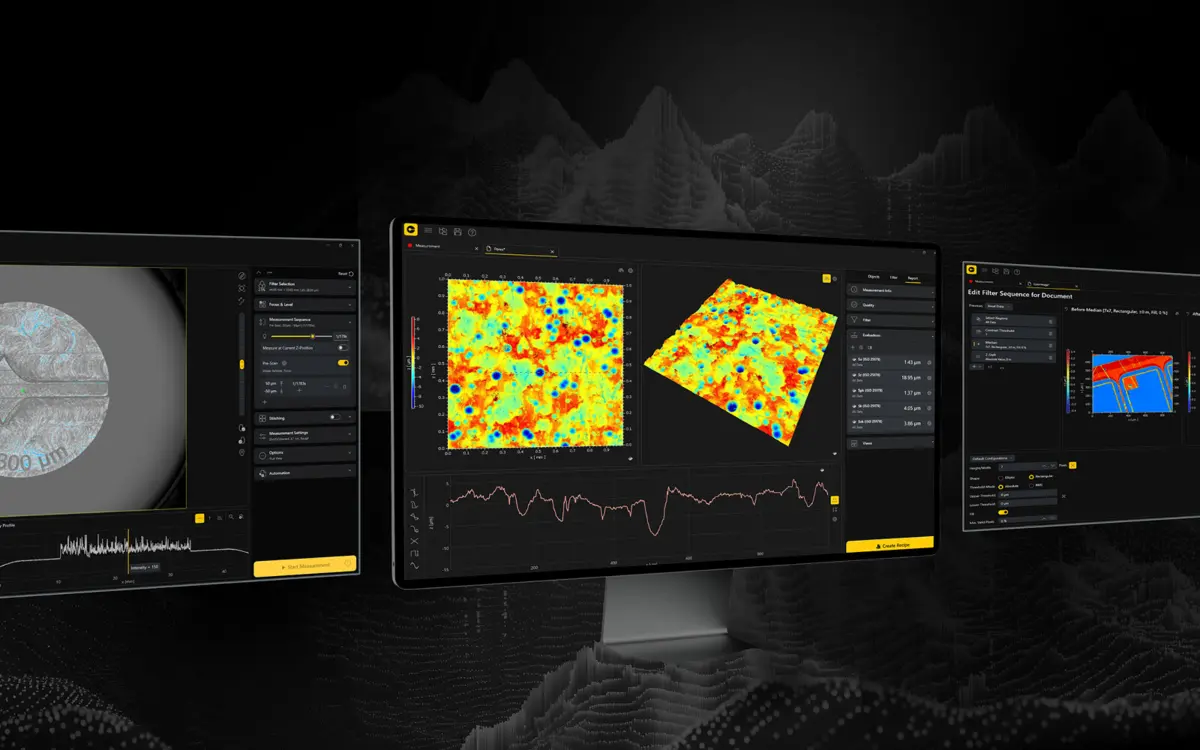
Quick measurements made easy for new users, routine inspections made more efficient through automation, and deeper custom evaluations for experts — built on an open architecture.
Sherpa is built around one goal: reduce the complexity of surface metrology while keeping the control expert users expect. As a new software generation it also forms a scalable foundation for future workflows and capabilities— so the value keeps growing over time, especially for existing systems. You benefit from:
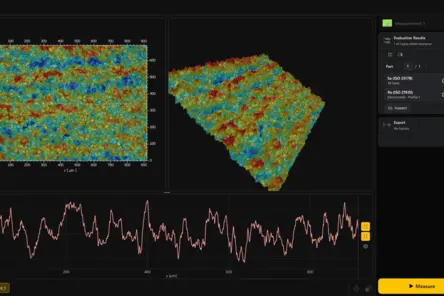
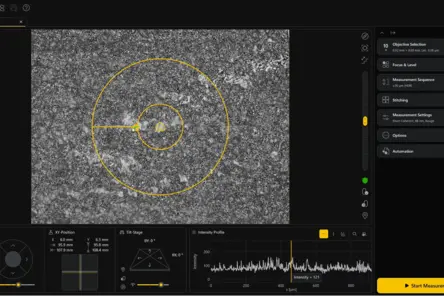
Easy to use – yet flexible enough for demanding measurement tasks? In this PolyCast episode, Andre Werner and Sebastian Nägele discuss Sherpa, the new software platform for Polytec TopMap profilers. They walk through the complete measurement workflow – from Virtual Positioning and Live Filtering to True View, Recipes and automation – and show the software live in short demo sequences.
In everyday surface metrology, three challenges keep coming up: manual preparation takes time, overloaded interfaces invite operating errors, and results are hard to keep comparable across teams, shifts and sites. Sherpa is built to address exactly these. Five core functions cover the entire measurement process — from operation and preparation through evaluation to automation.
Sherpa adapts to the current step and user role, surfacing only the functions you need next.
Click-to-position, simplified axis control, Focus Finder & Focus Tracker and Auto-level support targeting and alignment.
Reliable measurement on surfaces with varying reflectivity; during HDR, Sherpa automatically adds and fine-tunes exposure settings based on real measurement data.
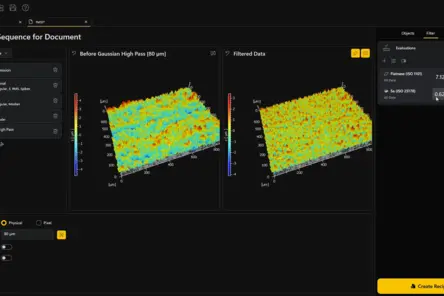
Smart filter presets, live filtering, expert mode, raw data access and the Line Analyzer make settings and results visible.
Pattern matching and reusable recipes plus tray measurement inspect identical parts automatically.
From setup through True Stitching to standards-based evaluation.
For getting started in the lab as well as for production testing, Sherpa simplifies everyday measurement tasks through guided workflows and an adaptable interface. It enables quick assessments and accelerates measurement procedures while minimizing the risk of operator errors — reliable and consistent results.
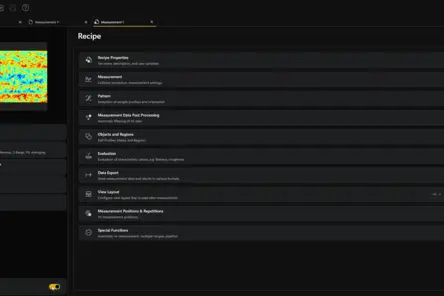
Load and save recipes and get started quickly. Recipes bundle the right settings for a part, and can optionally be triggered by a barcode scanner, so the correct settings load automatically — measuring the right part the right way every time, even without deep know-how.
You only see what the current step needs. Nothing to hunt for, little to learn, and far fewer chances to pick a wrong setting — so routine measurements stay quick and dependable.
You click the spot you want to measure and the system moves there for you. Position the sample in X, Y and Z right on screen, with no hardware joystick to master — coarse moves and fine adjustments are both a click away.
Environmental Compensation Technology (ECT) compensates for vibration and environmental disturbances during measurement, so you get reliable data and robust quality control even under real shop-floor conditions.
For expert users, Sherpa combines easier operation with the freedom to go deeper whenever needed. Experts can fine-tune parameters, inspect raw data, and validate results with greater transparency while still benefiting from more efficient workflows.
You change a filter and see the impact immediately, original and filtered surface side by side. When a result looks off, you drop into the unfiltered raw data to run sanity checks, find outliers and prove your result holds up.
You work with the full depth of the software, while colleagues see a simpler view. The interface scales to each role, so experts get every parameter without forcing that complexity on routine users.
You measure surfaces others struggle with — varying reflectivity, mixed materials. Activate HDR and Sherpa adds and fine-tunes the extra exposures for you, based on the real measurement data, so you capture reliable topography without manual trial and error.
Analyze directly inside the diagram, evaluating peak-to-valley, angles, distances and more. Drag start and end points to refine a profile on the fly — so evaluation stays transparent, fast and fully in your hands.
Creates enhanced images with crisp texture details even on samples with vast height differences.
Define custom parameters, develop application-specific evaluations, and easily integrate Sherpa into your process or automation system using serial and field buses, TCP/IP, etc.

New: Special launch conditions — until 30 September 2026.
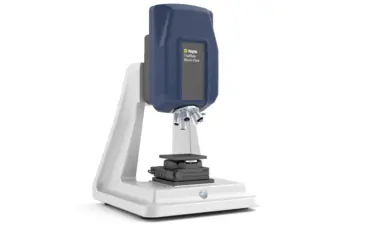
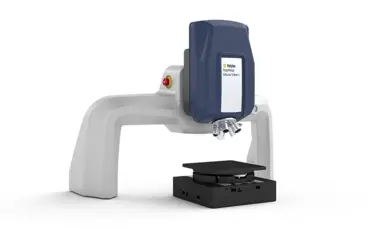
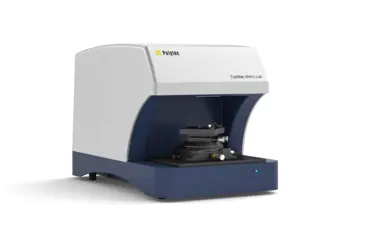
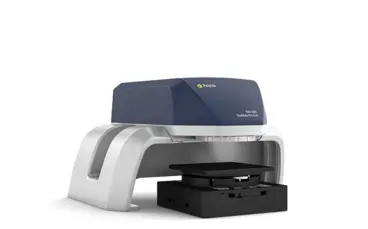
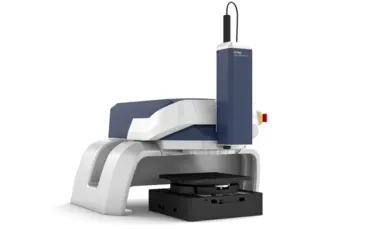
Sherpa is the software generation for Polytec topography measurement systems. Choose your profiler to see how Sherpa fits your setup — exact compatibility depends on the system, configuration and software version.
Sherpa is the software generation for Polytec topography systems such as Metro.Lab, Pro.Surf and Micro.View. Exact compatibility depends on the system, its configuration and the software version. For existing systems, an individual review by Polytec is recommended.
Implementation depends on your existing system environment. Polytec checks compatibility, clarifies the required system prerequisites and supports the rollout into your existing measurement and evaluation processes.
Sherpa supports transparent access to unfiltered raw data as well as structured evaluations. Which specific export and data formats are available for your evaluation and reporting needs is clarified by Polytec to match your software version and application.
Yes. Sherpa saves recurring sequences as reusable recipes for positioning, measurement and evaluation. For routine inspections, tray measurement and pattern matching help measure multiple identical parts more efficiently and reproducibly.
Yes. Sherpa reduces complexity for routine users without limiting experts. Expert filter mode, live filtering, raw data access and the Enhanced Analyzer remain available for demanding analysis.
Sherpa supports professional evaluation processes and parameters in line with recognized surface standards such as ISO 25178 and DIN EN ISO 4287. Which standards are relevant in your specific case should be reviewed based on the measurement system, software version and evaluation requirements.
Sherpa supports standardized workflows, repeatable recipes, savable filter configurations and automated measurement sequences. This makes inspection processes more consistent and routine tasks more efficient across teams and shifts.
Your existing installation keeps working; moving to Sherpa is a planned transition, not an abrupt cut-off. Polytec communicates support timelines for the previous software depending on your specific system and software version. For a binding statement on your configuration, please contact your Polytec representative.
Sherpa is the new software generation for Polytec topography systems and is designed to preserve the value of your existing work. Whether and how existing recipes, settings and measurement data can be carried over depends on your system and software version; Polytec reviews this individually and supports the transition. Raw data access and standards-based evaluation help keep your results traceable and comparable over time.