//
Your benefits
- Fast diagnosis and issue resolution
- Direct access to experienced support engineers
- No on-site visit required
- Secure and easy remote connection
- Assistance with measurements and system-related questions
//
How remote support works
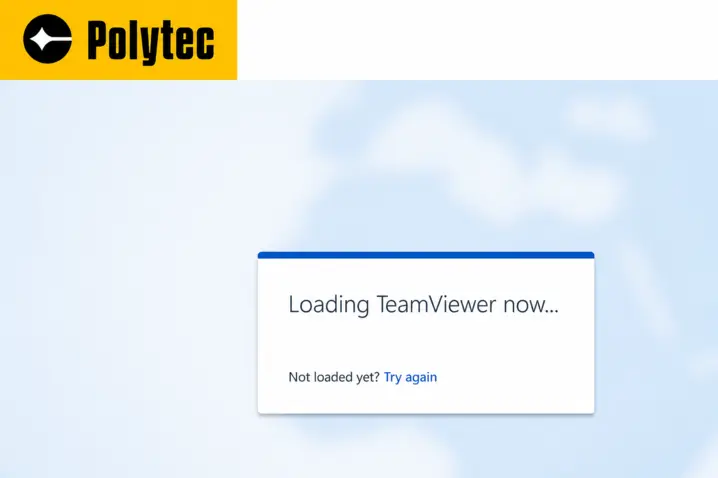
1. Download QuickSupport
Use the provided link to download the Polytec QuickSupport application and save it on your data acquisition or evaluation system.
2. Launch the application
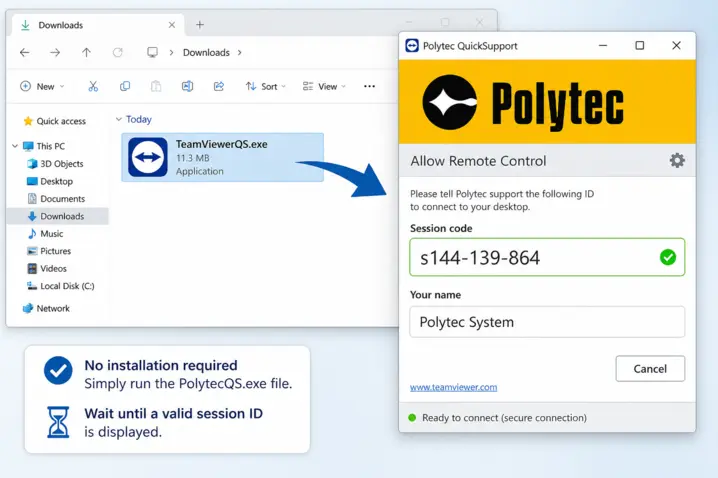
QuickSupport is a stand-alone executable and does not require installation. Simply run the PolytecQS.exe file and wait until a valid session ID is displayed.
3. Start the support session
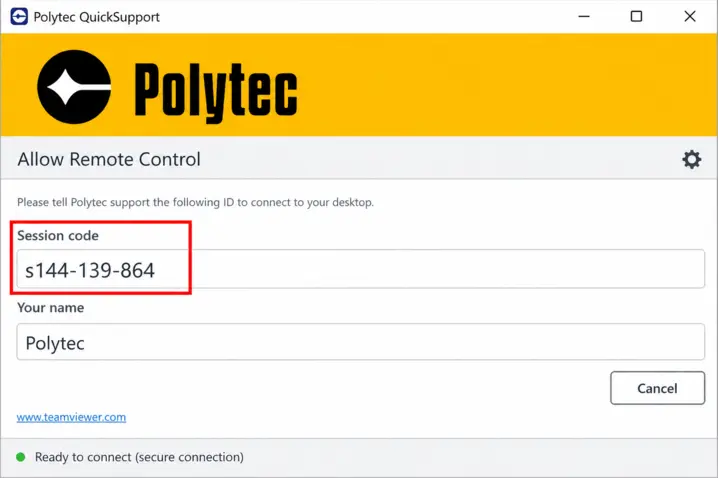
Contact our support team and provide the session ID or the displayed name.
Our experts will then join the session and assist you.

//
Get in touch with our support sxperts
Ready to start a remote session or need help with your system? Contact us and provide your session ID—our team will assist you right away.